Dub in the cloned original voice
Use a clone of the original voice for translated speech, preserving the speaker’s vocal character.
Describe your edit in one sentence. Find spoken words and visual moments across terabytes of footage in seconds, then turn them into a coherent rough cut. Translate into 200 languages, or rewrite multi-speaker videos with voice cloning and lip sync—all processed locally on your devices.
Search indexed footage in seconds.Free plan: short lip-sync clips, 720p watermarked export, one device, non-commercial use. Compare free and paid plans
Connects via MCP · Agents can connect to multiple computers and distribute tasks.
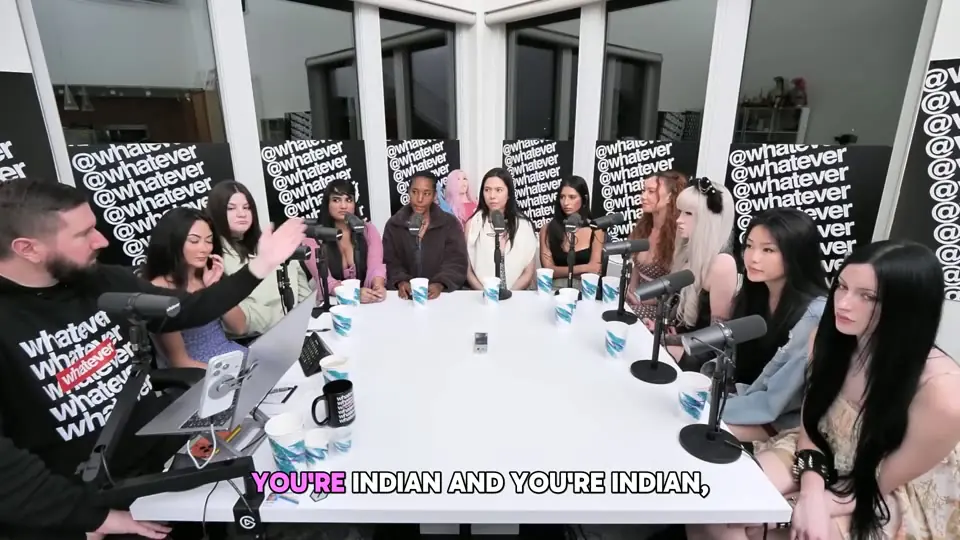
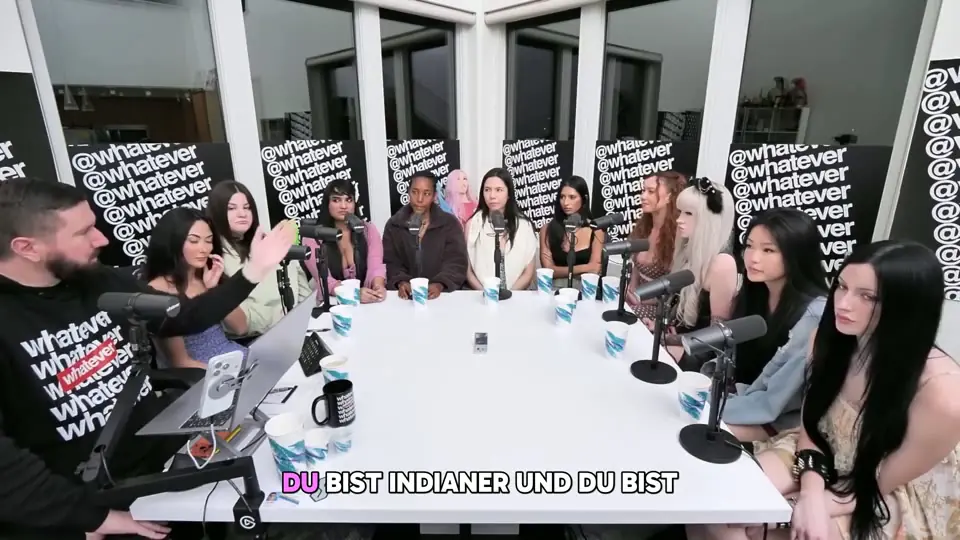
Compare multi-speaker video translation in 2026
| Compare | HeyGen Pro | Vozo Studio | Bonframe Local · multi-device |
|---|---|---|---|
| Plan cost | $49 / month | $99 / month | Local device license |
| Lip-synced video | 100–166minutes / month | 60minutes / month | 7.2 hoursAbout 432 minutes / day¹ |
| Language coverage | 175+ languages and dialects | 165 target languages111 source languages | 200+ languages |
| Processing | Cloud · plan credits | Cloud · plan points | Parallel devices + scheduled tasks |
| Calculation basis | 1,000 credits/month; lip-sync translation uses 6–10 credits/minute. | 600 AI points/month; about 200 dubbing OR 60 lip-sync minutes, sharing one allowance. Translation itself is listed as unlimited. | 3 devices × 12 hours/day ÷ 5 processing minutes per video minute, including translation, voice cloning and lip sync. |
| Daily allowance comparison² | About 5.6 minutes/daySpeed mode, averaged over 30 days | About 2 minutes/dayAveraged over 30 days | About 77.8× / 216×Versus HeyGen / Vozo daily allowances |
| AI Rough CutTopic-based editing | Instant HighlightsAutomatically extracts highlights | AI ClipsLong videos into short clips | Automatically analyzes video topics and assembles clips |
| MemoryMultimodal search | Equivalent feature not verified³ | Equivalent feature not verified³ | Locates spoken content and visuals with multimodal search |
³ Feature descriptions checked Oct 23, 2026. “Not verified” does not mean unsupported or confirm inclusion in the plans above.
¹ Bonframe is a scenario estimate, not a hardware benchmark: 5 processing minutes per video minute, across 3 devices running 12 hours each, yields 432 video minutes (7.2 hours)/day. Assumes concurrent full utilization and balanced work, excluding queues, transfer, retries and human review. Appropriate device licenses are required; actual output must be measured.
² Competitor monthly allowances are averaged over 30 days for allowance comparison only, not daily caps or processing speeds. Checked Oct 22, 2026: standard USD monthly plans, no add-ons, all credits assigned to the stated feature. Dubbing and lip sync are distinct metered features; language-count definitions differ. HeyGen Pro · Credit rates · Vozo Studio
Extract topics and highlights, build a searchable video index, then choose the clips to translate. For interviews, podcasts and courses, start with the moments your audience needs.
Import footage to extract topics and highlights and build a searchable content index.
Search by topic, dialogue or visual content. Review the suggested highlights and choose the passages to translate.
Choose from 200+ languages. Check names, terminology and speaker assignments.
Clone the voice and sync the lips; review timing, angles and face-to-voice mapping.
Watch the complete result, export it, then make another language version.
Video localization goes beyond subtitles. Bring translation, cloned original-voice dubbing and AI lip sync into one reviewable flow while preserving the speaker’s voice.
Explore video translationUse a clone of the original voice for translated speech, preserving the speaker’s vocal character.
Align on-camera lip movements with the translated voice; turn it off when a project does not need it.
Create language versions from one selected source without recording the same story again.
You approve the translated result. This page does not upload footage or start a job.
Local video translation, voice cloning and AI lip sync all support over 200 languages. Create more language versions from one approved video.
Explore language pairsStart with local footage. For a long recording, find the publishable moment in seconds in the app.
Translate the selected clip, dub it in the cloned original voice and align the lips with AI.
Check the words, voice and picture before delivering each approved language version.
No. The card is a workflow preview. It only reads the selected file name and does not upload or start translation.
No. Choose translation and dubbing first, then add lip sync when the project needs it.
Choose a clip with rough cutting or Memory in the app, review it, then translate the selected part.